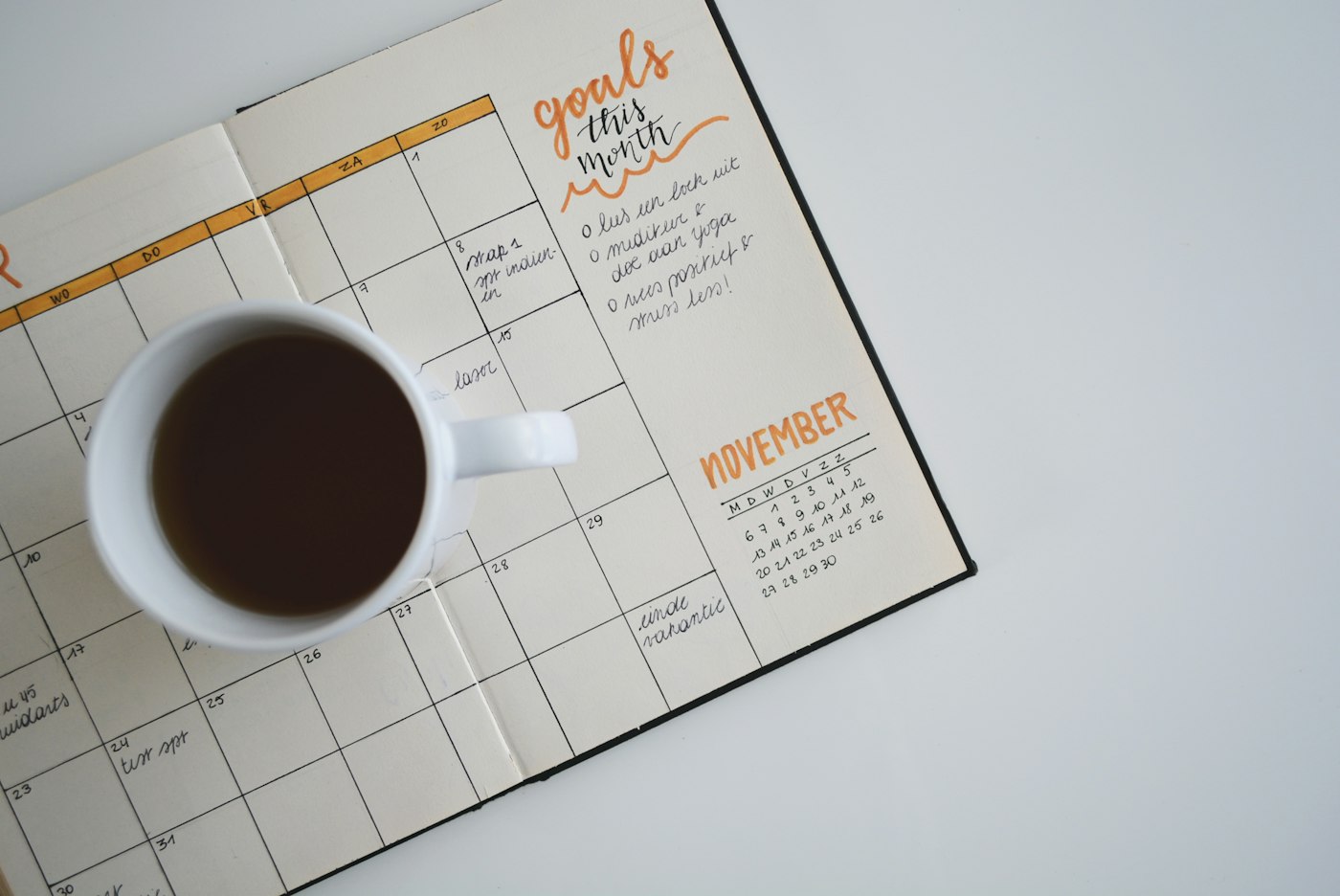
How a small business can take bookings on its own website
A booking page lets customers pick a time without a phone call. Here is how a salon, tutor, or consultant can add that to a small business website.
Published notes on building a website, taking bookings, sharing a digital card, and talking to customers.
A booking page lets customers pick a time without a phone call. Here is how a salon, tutor, or consultant can add that to a small business website.

An AI website builder turns a short business description into a first draft you can edit, preview, and publish.

After the AI draft is ready, a drag-and-drop editor lets you move sections and fix copy without touching code.

A one-page site can explain what you do, show how to contact you, and give customers a way to book.

Freelancers can publish a simple site to show services, share a booking link, and send clients to one home on the web.
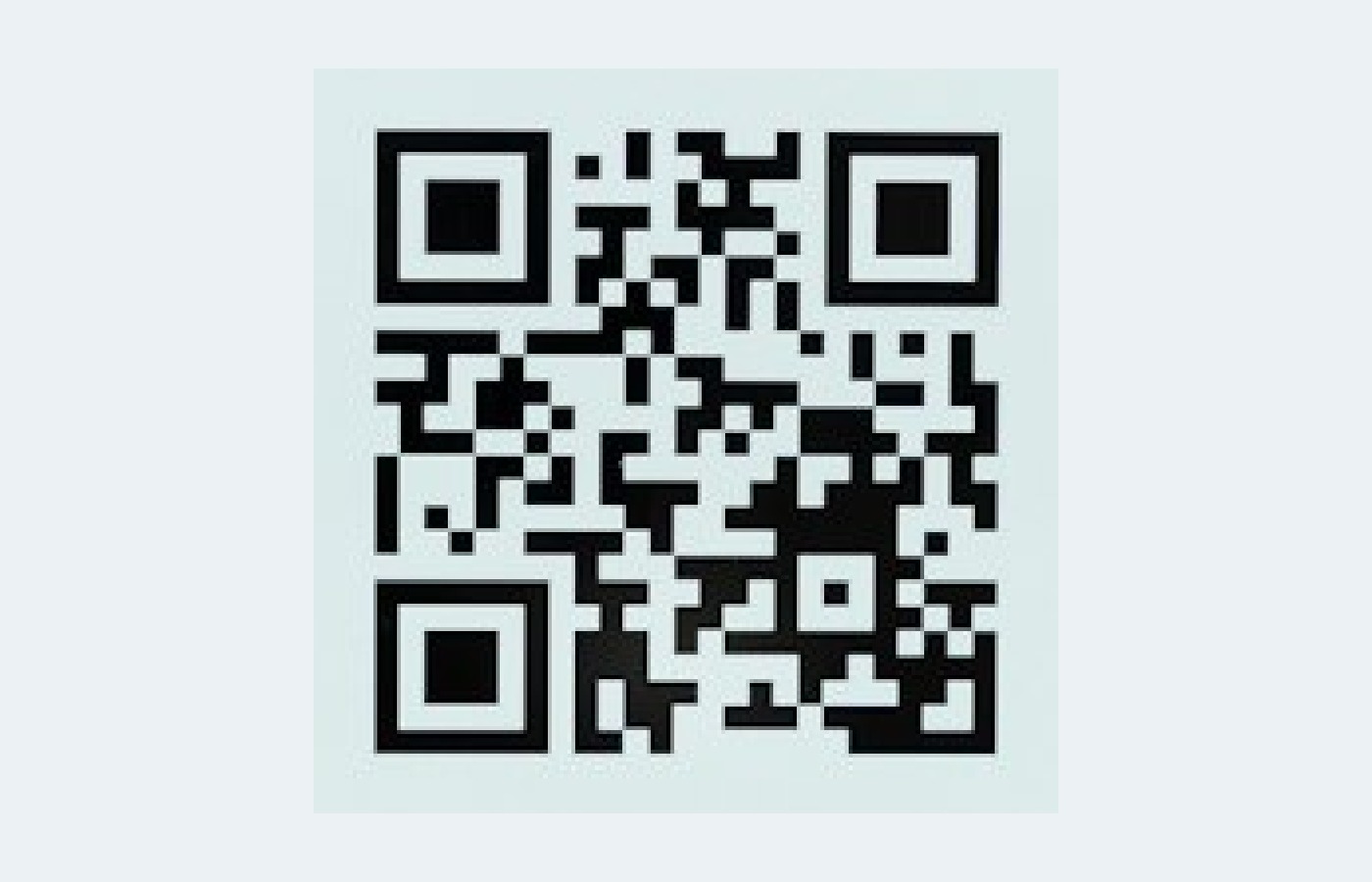
A digital card lets someone save your contact, open WhatsApp, or visit your site from a QR code.

Keep the people you meet in one place, with a card you can share and a reminder to follow up.

A website chatbot can answer common questions and collect a name and intent before a lead leaves the page.

Put answers to your usual questions on the site so customers can get a reply without waiting for email.
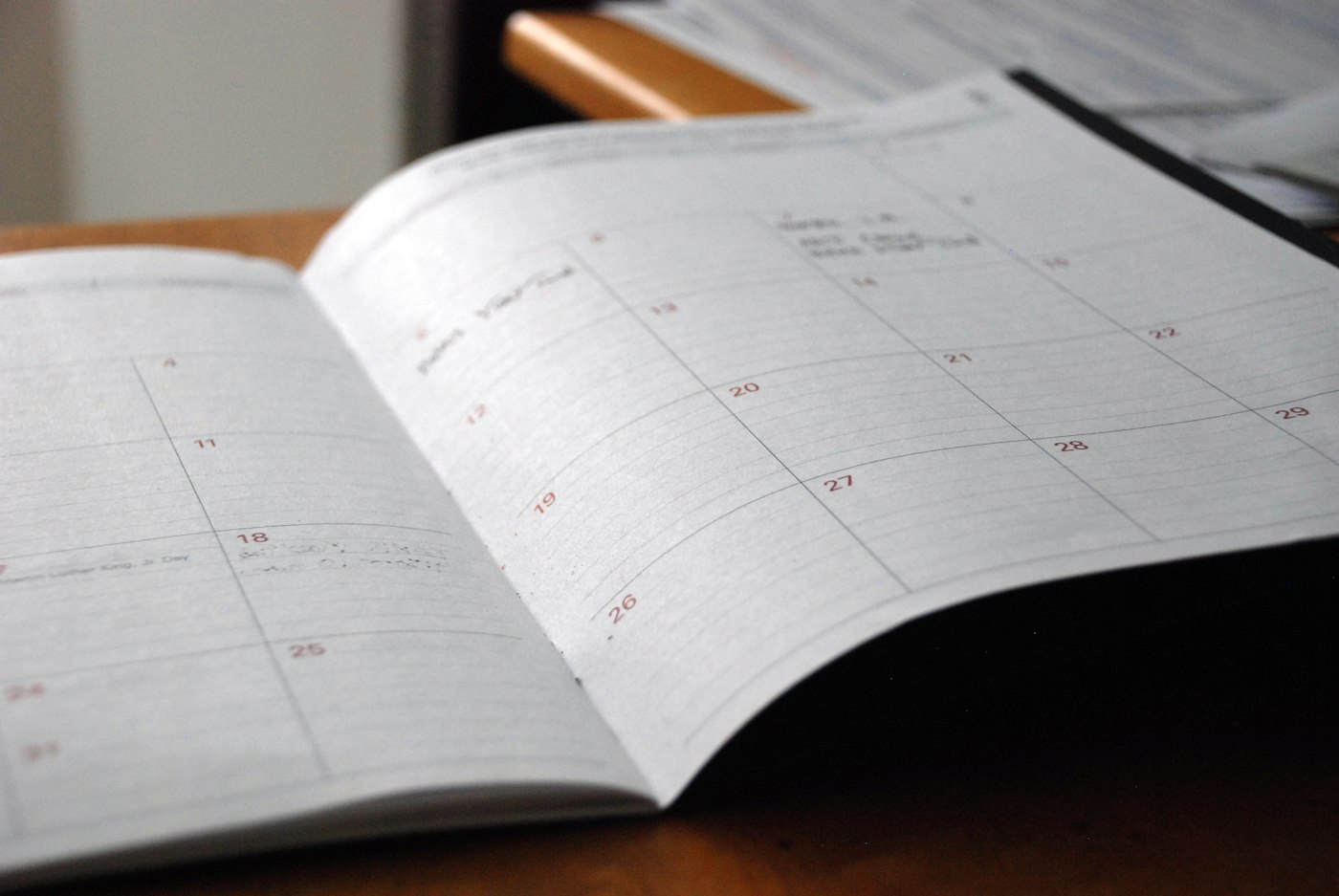
Reminders cut down on missed visits. FlowAppointments includes reminders with the booking page and your availability.
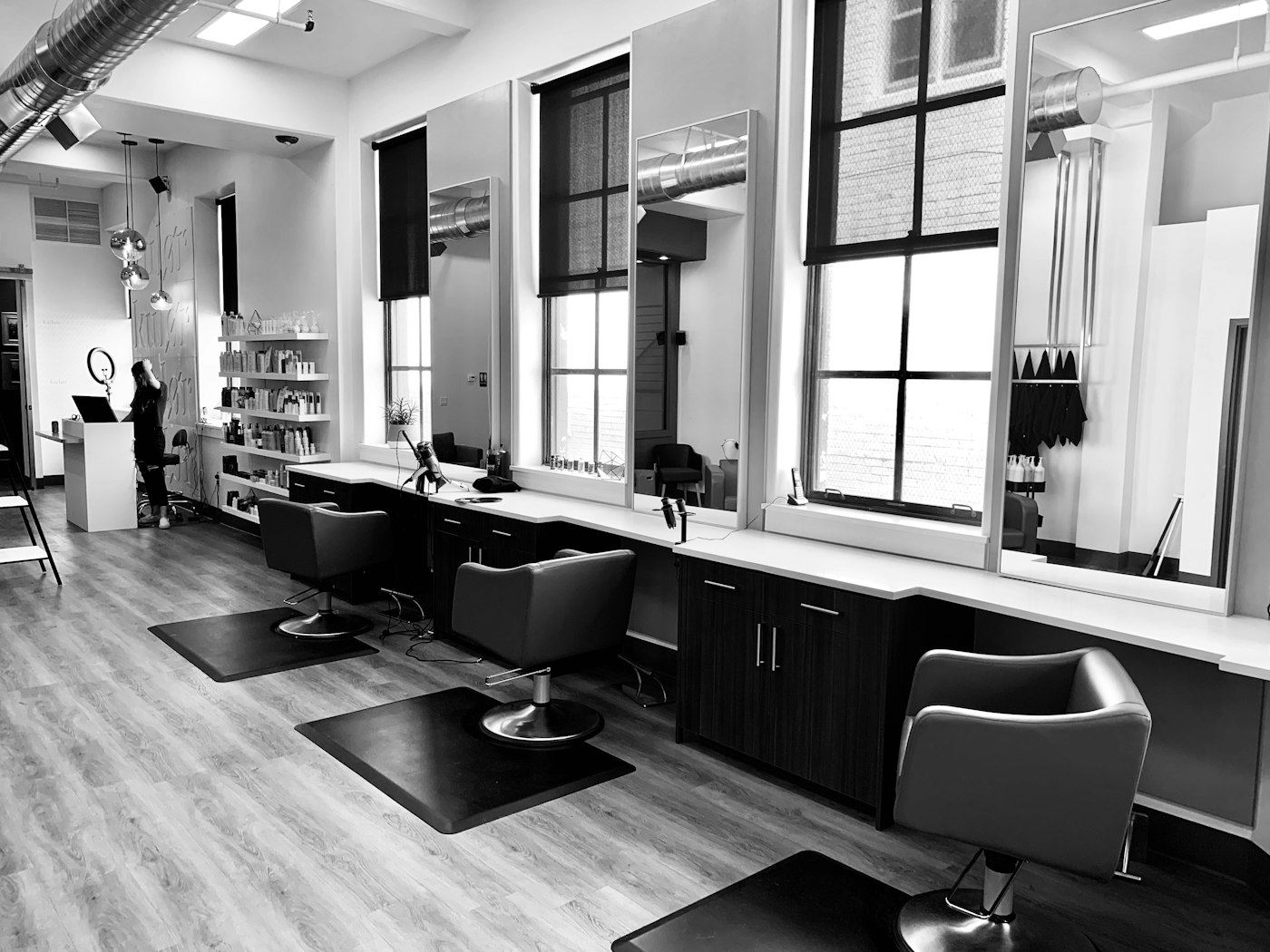
Salons can publish one booking page for cuts, color, and other services instead of taking every appointment by phone.

Instructors and tutors can let students reserve a class or a lesson from a single booking link.

Create a client invoice or quotation with line items, tax, and a discount, then print it or save it as a PDF.
Build a signature with your name, role, phone, and website, then copy it into Gmail or Outlook.
Generate a sitemap.xml for a small site so search engines can find the pages you want them to read.